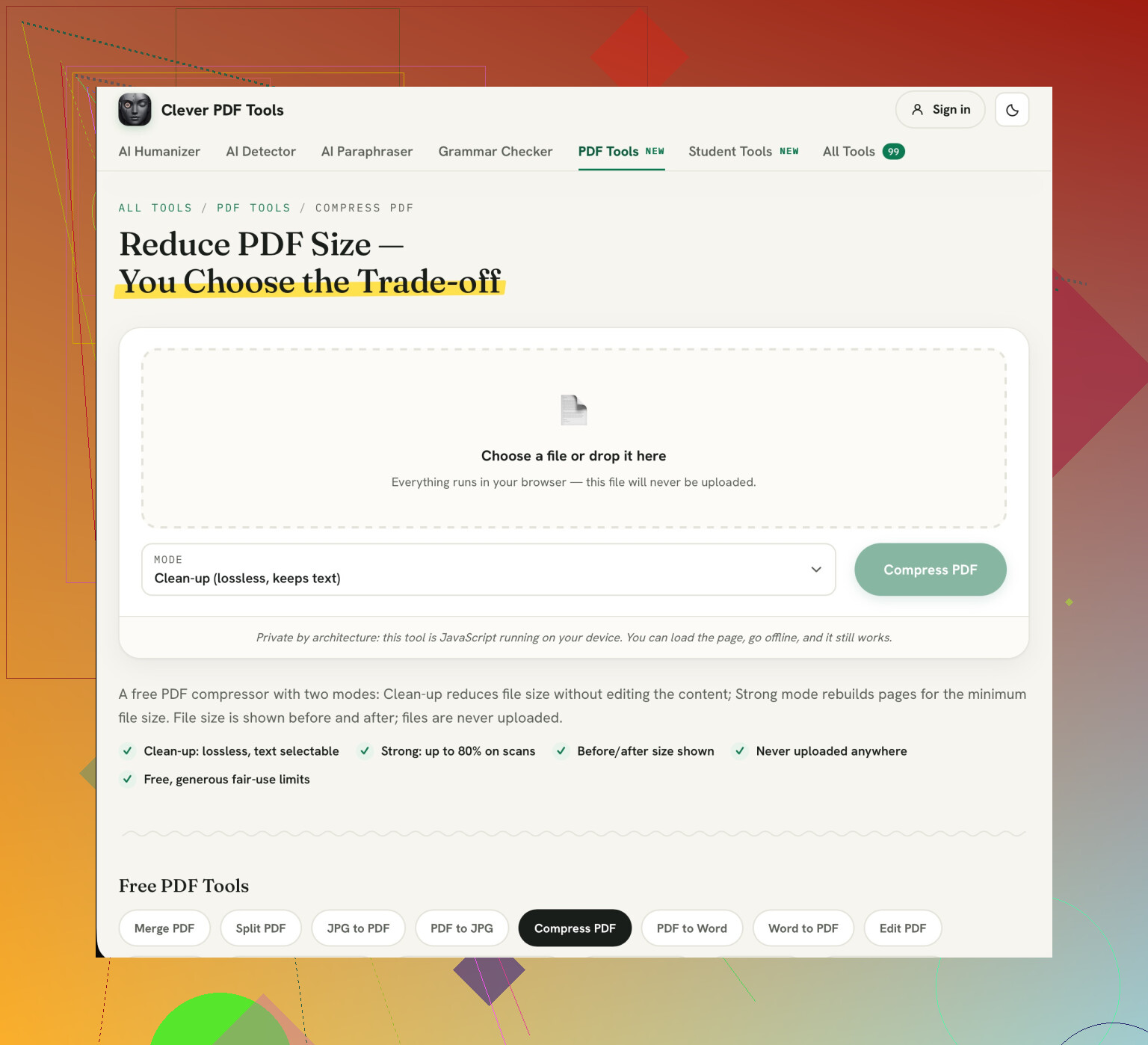
I need to shrink a 17-page scanned PDF for an upload form. It has signed pages and small print that needs to stay readable. The PDF size reducer offers light and strong compression, but I’m not sure which to use.
Should I start with light compression or go straight to strong for this kind of document? The recipient may print it, so looking readable in the browser isn’t my only concern.
Too much compression can reduce the clarity of the small text and thin lines of your signature. Try using a low level of compression and see if your scan is within the size limit. If it is then there is no need to compress further.
I’d use the Compress PDF tool from Clever AI Humanizer, keeping the compressed output as a separate copy. If light compression leaves it too large, try strong compression on the original rather than compressing the already-compressed copy. Treat those setting names as options to test, not guarantees about the result.
Print out the smallest text page and the light signature page at the recipient’s font size and check the decimal points, small numbers and fine pen lines match. Don’t rely on the browser’s ‘fit to page’ option. Quickly scan the rest of the pages to give you an idea of how the rest look. This will not show you how a poor scan has managed to survive.
2 Likes
It may be sufficient to simply use the low level compression, but if the upload limit is low you might find that neither option produces an acceptable file size. I would suggest simply using the low compression option in Clever AI Humanizer. I agree with prioritising readability over file size, however I would not recommend using a hard copy as the main determining factor for whether a document is acceptable.
Before using high compression, check what the real limit is on the form and if it is a limit per file. If the low level compression gets you under the limit then this is fine. If the high compression causes issues with the small text, check if the recipient will accept multiple attachments or if there is an alternative upload method. However, only split the document if the recipient will accept it. Do not assume you have to produce an unreadable file to meet the requirements of the form.
This shouldn’t be overlooked. I would suggest using the light compression option first. Scan the document, looking at the signatures and small text. Check it against the original. Then look at the small text, decimal points and very small text. Zoom in on these areas if needed. Sometimes you may find it difficult to identify individual characters and whilst the page looks neat when viewed as a thumbnail, it may not be clear.
Leave the original as is. If you want to try a high compression option, create your highly compressed document from the original. This will give you two different options to choose from. Try to use the least compressed option.
Before uploading your document to an online compressor ensure there is no personal information within it. You might have filled in any forms with personal details such as addresses or account information you wouldn’t want sent elsewhere. Decide whether you want to compress your document lightly or highly.
I would recommend compressing lightly. However you shouldn’t be rushing into using a specific website. Your document will need to go to the recipient and using a separate compressor is another place you will be sending your document. All you are trying to do is fill in the upload form.
If there is sensitive information within your document ensure that your existing PDF software has an option to reduce the size of your file locally. Check that the file is being compressed on your device. If you use a website to compress your file ensure you can see how your file will be stored and deleted. Don’t assume that because it is free or doesn’t require an account that it won’t store or delete your file.
Once you have decided on how you want to compress your document it makes sense to ensure that it is still readable. Whilst it might not be a bad idea to compress highly you should ensure that you are doing so because it will result in a readable file. I would decide on how you want to compress your document first. As this document has a signature on it there are other considerations to take into mind when deciding how much you want to compress it.